After finishing my first MOOC and learning my preferences for courses, I decided to focus on skills and tools to improve my studies and focus on Service Design. After considering coding as one of the skills I wanted to gain in the following months, I started with the Holy Grail of UX Design tools – FIgma and started a course called Figma UI UX Design Essentials.
Daniel Scott created 111 lessons on using Figma for UX design from scratch. During these 11,5 hours, I will learn how to develop and test app prototypes and discover the best shortcuts and strategies for using this tool effectively.
The first 18 lessons covered the basics from the wireframe, different blocks, texts, scaling, and so much more. I also completed my first project in there.
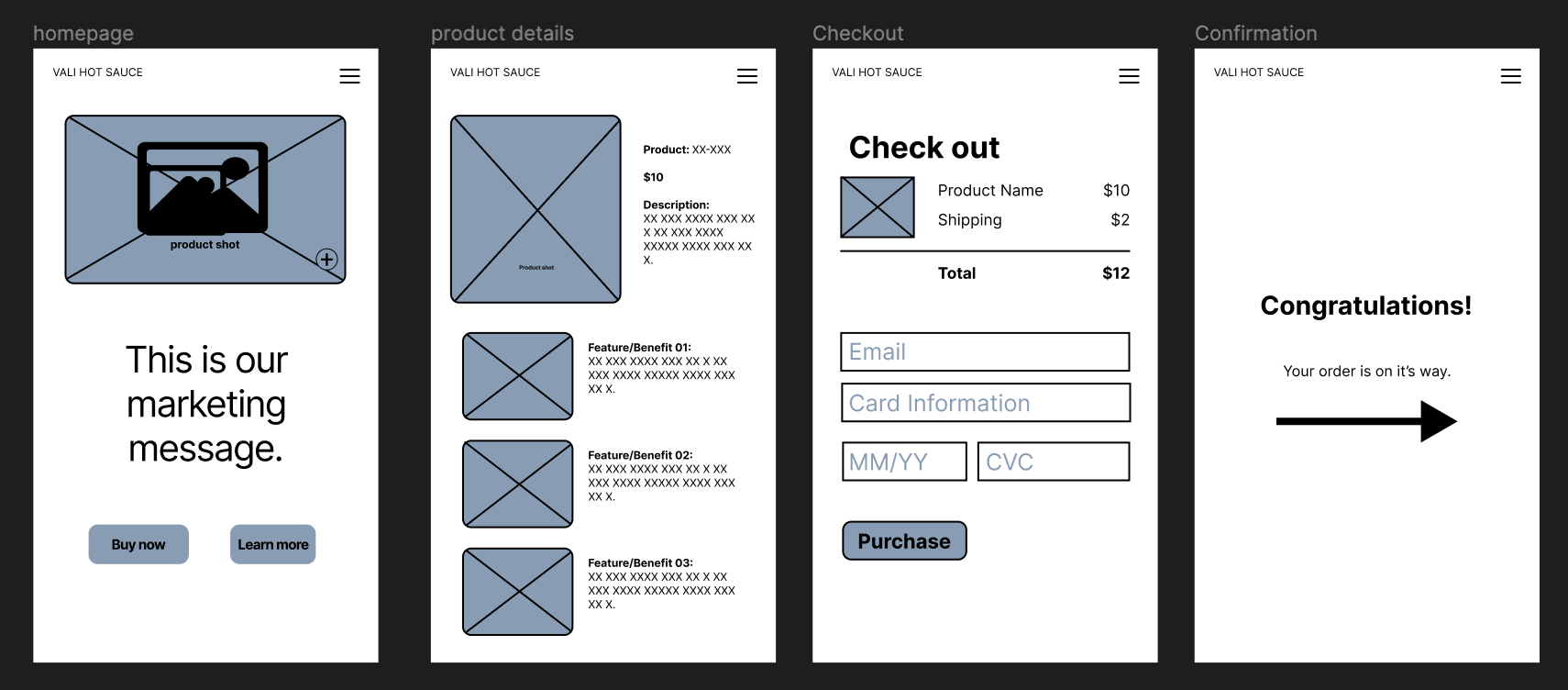
My first impression was that it was so much fun! I love discovering the tool and learning how to create valuable things. I love that Daniel is explaining everything; if the task has more possible solutions, he is trying to show all of them. He also gave us assignments to try certain things, and we did the wireframe during the lessons.
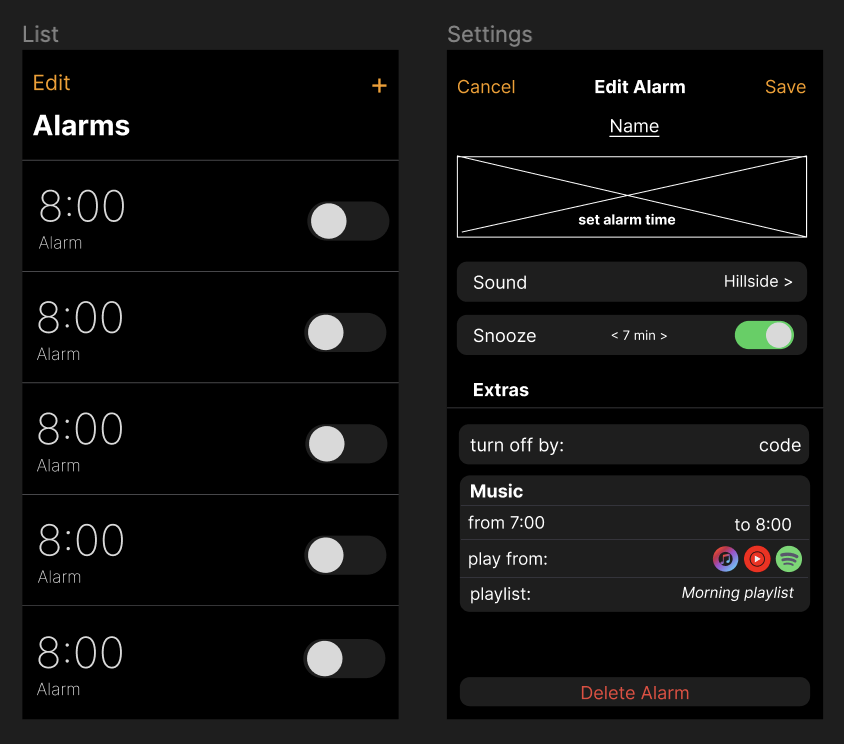
I was so excited, that I also created a prototype for different class . For an Alarm clock and I am quite happy with that.
Leave a Reply